Introduction to the New Update
Today marks a significant moment for Xbox Series X/S users as Microsoft rolls out a long-requested feature: the ability to disable Quick Resume on a game-by-game basis. This update addresses a common frustration that players have faced since the introduction of the Quick Resume feature back in 2020. By providing this option, Microsoft acknowledges user feedback and enhances the gaming experience on their latest consoles.
Quick Resume has been a standout feature of Xbox Series X/S, designed to allow players to seamlessly switch between games without having to reload them from scratch. However, despite its convenience, many users have encountered issues, particularly with online multiplayer games where Quick Resume can disrupt the gaming flow. Today's update aims to empower players by giving them control over this feature, ensuring that their gaming sessions are as smooth and enjoyable as possible.
Understanding Quick Resume
Quick Resume is a technology that allows players to suspend multiple games and return to them almost instantaneously, even if the console has been powered off. This feature relies on the console's advanced SSD architecture, which provides rapid loading times and a seamless transition between games. However, while Quick Resume is generally reliable, it has shown inconsistencies, particularly in online games where server connections are crucial.
Players have reported instances where Quick Resume has caused issues, such as accumulating excessive in-game time or failing to reconnect to online sessions. For instance, one user noted that their in-game timer unexpectedly logged over 200 hours while they were multitasking on the console. Such occurrences can lead to frustration, particularly in competitive gaming environments where timing is everything. Recognizing these challenges, Microsoft’s new update aims to provide a solution that enhances user control and minimizes disruptions.
How to Disable Quick Resume
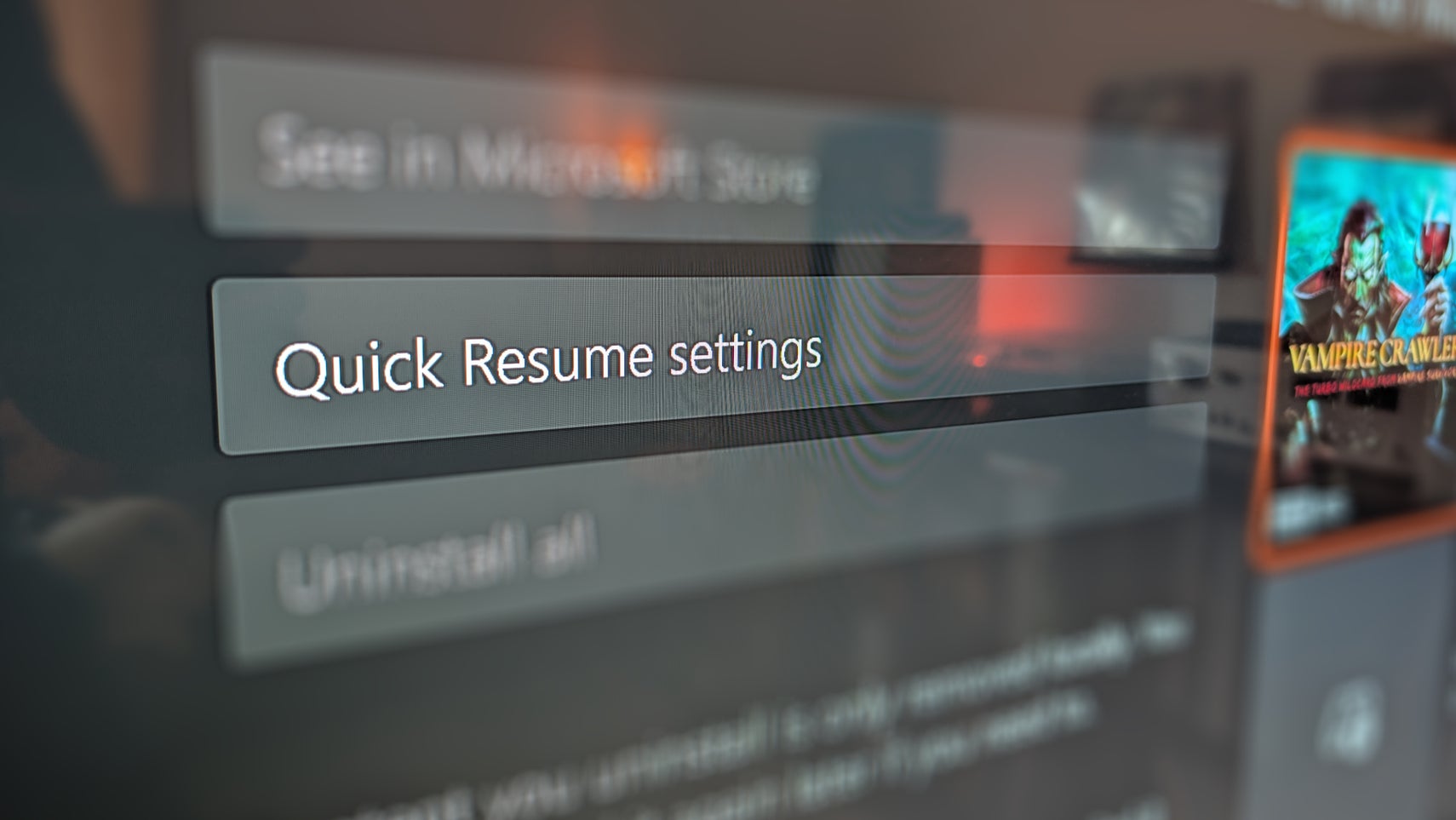
With the latest update, disabling Quick Resume is a straightforward process. Players can access this new toggle by navigating to the game tile and selecting the More Options menu. From there, they can manage Quick Resume settings and choose to disable the feature for specific titles. This tailored approach allows players to customize their gaming experience, opting to keep Quick Resume active for single-player games while disabling it for multiplayer titles.
This feature began rolling out to Xbox Insider beta members last week and has now been made available to all Series X/S users. By implementing this option, Microsoft demonstrates its commitment to improving user experience and addressing player concerns. This small yet impactful addition is a testament to the feedback-driven development approach that Xbox has adopted over the years.
User Experience with the Update
Many players have already tested the new feature with various titles, including popular games like Battlefield 6, Arc Raiders, and Call of Duty. Users have reported positive experiences, noting that the game closes completely when Quick Resume is disabled, eliminating the need to navigate through multiple menus upon returning to the game. This improvement enhances the overall user experience, making it much more convenient to resume gameplay without unnecessary delays.
The feedback from early adopters indicates that this feature is not only practical but also significantly improves the quality of life for gamers. As users transition between games, the ability to disable Quick Resume ensures that they can fully engage with their chosen titles without the interruptions that have previously plagued the system. This thoughtful enhancement highlights Microsoft's dedication to refining the console experience.
Reflections on Quick Resume
As someone who enjoys using Quick Resume, I find it particularly beneficial for offline and single-player games. For example, titles like Vampire Crawlers have demonstrated how effective this feature can be. It allows players to dive back into their games without the hassle of long load times. Moreover, during periods of illness, I found Quick Resume to be an excellent tool for switching between marathon gaming sessions and Netflix, making the console versatile for different types of entertainment.
However, the ability to toggle Quick Resume off when it does not function as intended is a game-changer. It allows players to enjoy the benefits of Quick Resume when it works well while providing an alternative when it does not. This flexibility is crucial in maintaining an enjoyable gaming experience, especially for those who often switch between various titles or genres.
ZenilGames Commentary
The introduction of the Quick Resume toggle is a noteworthy development for Xbox gamers, particularly those who engage in competitive online play. Players have long expressed the desire for more control over their gaming environment, and this feature addresses that need effectively. By allowing gamers to disable Quick Resume selectively, Microsoft has taken a significant step toward enhancing player satisfaction and reducing frustration during multiplayer sessions.
Moreover, this update reflects a broader trend in the gaming industry where user feedback plays a crucial role in shaping the development of console features. Gamers are more vocal than ever about their preferences, and companies like Microsoft are listening and adapting accordingly. This responsiveness not only fosters a more positive relationship between developers and players but also encourages innovation in gaming technology.
As gaming continues to evolve, the importance of user-centric design will only grow. Features like the Quick Resume toggle exemplify how listening to the player base can lead to meaningful improvements. It will be exciting to see how Microsoft further enhances the Xbox ecosystem in the future, particularly as they continue to adapt to the needs of their diverse player community.
Frequently Asked Questions
What is Quick Resume?
Quick Resume is a feature on Xbox Series X/S that allows players to suspend and quickly switch between multiple games without needing to reload them, enhancing the overall gaming experience.
How do I disable Quick Resume for specific games?
You can disable Quick Resume by navigating to the game tile, selecting the More Options menu, and then managing Quick Resume settings to disable it for individual titles.
Why would I want to disable Quick Resume?
Disabling Quick Resume can be beneficial for online multiplayer games where maintaining a stable connection is critical, as it helps prevent issues that may arise when resuming from a suspended state.