Introduction to Xbox Mode on Windows 11
On April 30, Microsoft initiated the rollout of Xbox mode for Windows 11 users through an optional update, a move that has generated considerable excitement among gamers and PC enthusiasts alike. However, this feature has yet to be available for all users, leaving many wondering about the reasons behind its limited accessibility. With the subsequent May 2026 update, known as KB5089549, many users still find themselves without this console-like interface.
According to reports from Windows Latest, Microsoft has advised that the Xbox mode may not be visible to everyone immediately, as the feature is currently restricted to select markets. This limitation has led to confusion and frustration among users who expected the update to provide immediate access to the new functionality, highlighting a common challenge in software rollouts where features are often staggered.
Understanding the Controlled Feature Rollout
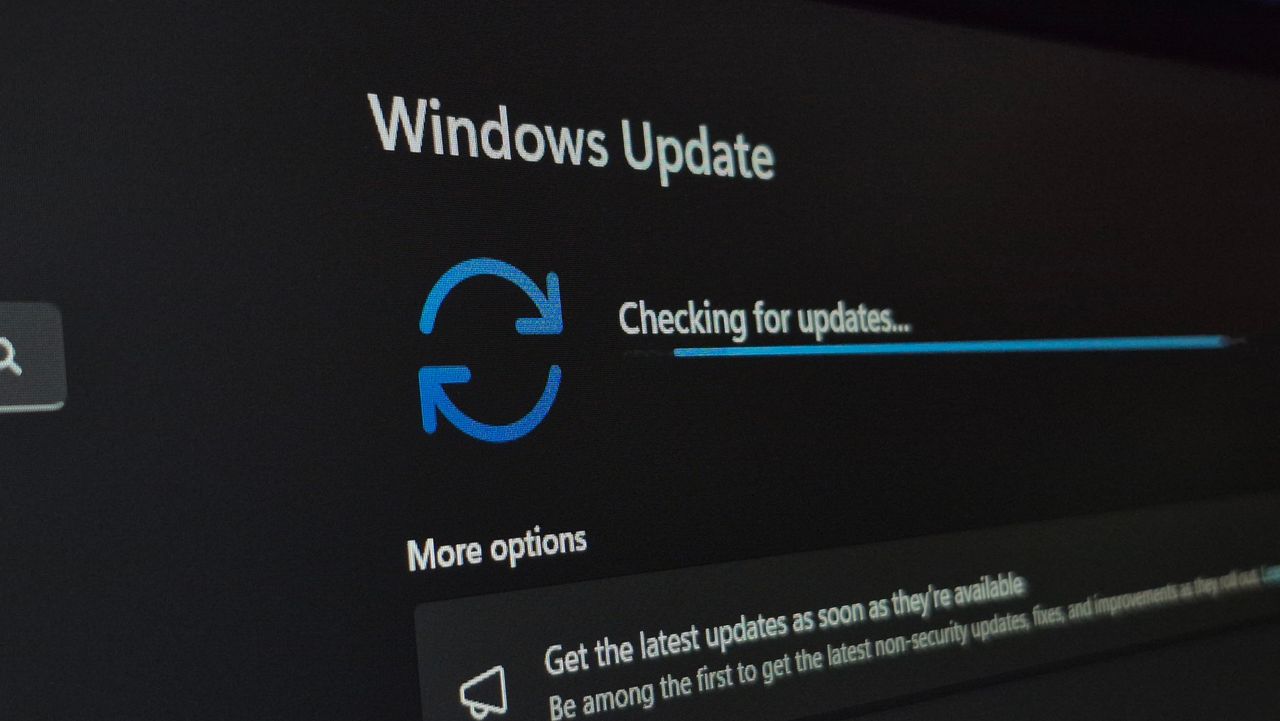
Microsoft's approach to the Xbox mode deployment is through a Controlled Feature Rollout (CFR), which means that although the underlying code for Xbox mode is installed on users' PCs, it remains inactive until Microsoft activates it via a server-side switch. This method allows the company to monitor and address potential bugs and crashes before making the feature available to a broader audience.
The decision to implement a CFR is likely influenced by the historical challenges Microsoft has faced with Windows 11, including various bugs and glitches that have plagued the operating system since its launch. By taking a cautious approach, Microsoft aims to ensure a smoother experience for users once the feature is fully rolled out.
Finding and Enabling Xbox Mode
For those fortunate enough to have the Xbox mode available, it can be accessed by navigating to Settings > Gaming > Xbox mode, which may also be labeled as 'Full Screen Experience.' Once found, users can enable the Xbox mode by checking the corresponding box, allowing for a seamless transition between the gaming interface and the standard Windows 11 desktop environment.
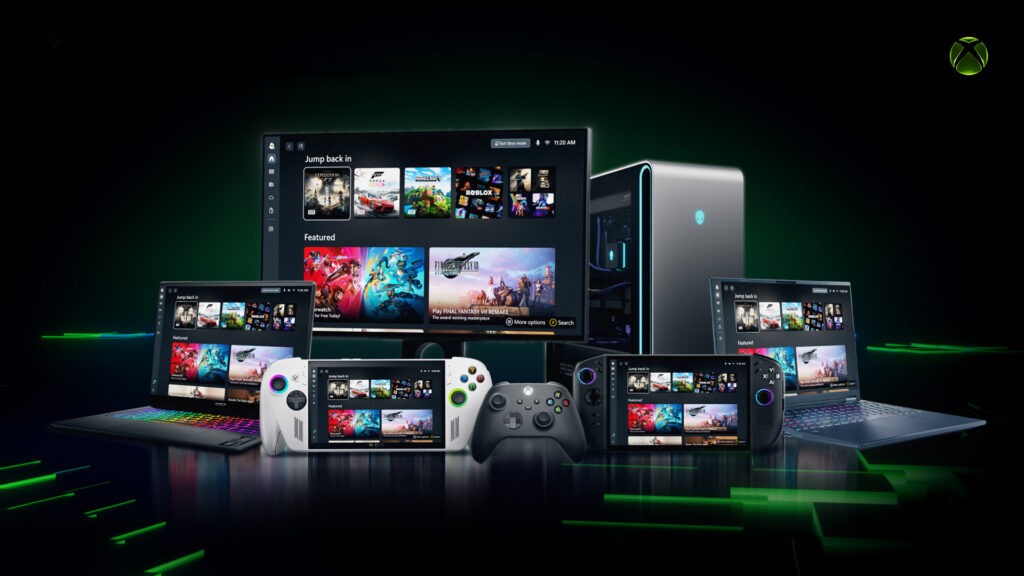
This feature is particularly beneficial for gamers who prefer using their PCs with a television or those who wish to steer clear of traditional mouse and keyboard setups. The Xbox mode promises to deliver a user experience similar to that of the Asus ROG Xbox Ally X handheld, positioning Microsoft to compete directly with Valve's SteamOS game mode.
The Competitive Landscape
As Microsoft progresses with the rollout of Xbox mode, it becomes crucial for the company to keep pace with Valve's frequent updates to SteamOS. Gamers are increasingly looking for comprehensive and seamless gaming experiences, and if Microsoft fails to deliver consistent updates and improvements to Xbox mode, it may struggle to win over fans who are already loyal to Valve's ecosystem.
ZenilGames Commentary
As we observe the ongoing developments with Xbox mode on Windows 11, it’s essential to recognize the implications of a staggered rollout on the gaming community. Players who have been eagerly anticipating this feature may feel frustrated by the delays and limitations. The excitement surrounding new updates often leads to heightened expectations, and when those expectations are not met, it can result in disillusionment among users.
Furthermore, the unique positioning of Xbox mode as a direct competitor to SteamOS raises questions about the long-term strategy Microsoft is employing. The gaming community thrives on innovation and responsiveness, and as Valve continues to refine its offerings, Microsoft must remain vigilant and proactive in addressing user concerns and feedback.
Ultimately, the success of Xbox mode will depend not only on its functionality but also on how effectively Microsoft communicates with its user base. Transparency regarding updates and the rationale behind rollout strategies can significantly impact user satisfaction and loyalty, especially in a competitive market where gamers have numerous options at their disposal.
Frequently Asked Questions
Why is Xbox mode not available for all Windows 11 users?
Microsoft is currently rolling out Xbox mode in a staggered manner, with access limited to select markets. This means that not all users will see the feature immediately, even after the latest updates.
How can I enable Xbox mode on my Windows 11 PC?
If Xbox mode is available on your device, you can enable it by going to Settings > Gaming > Xbox mode, and checking the box labeled 'Enable Xbox mode' or 'Full Screen Experience.'
Will Microsoft continue to update Xbox mode after rollout?
Yes, Microsoft has indicated that it will provide ongoing updates to Xbox mode to enhance user experience and ensure it remains competitive with other gaming platforms, such as Valve's SteamOS.